Weather is not showing
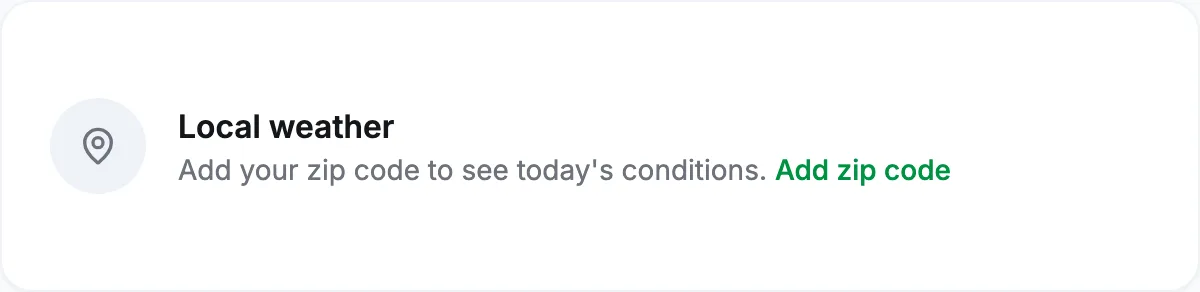
Add a ZIP code
The weather card and the forecast on the training calendar need a United States ZIP code. Select Add zip code on the card, which opens your profile at the Zip Code (for weather forecasts) field, or open Profile, Edit, and fill it in. Only the ZIP code is used; the rest of the address is optional.
Outside the United States
Forecasts come from the US National Weather Service, which covers US locations only. An address elsewhere shows no weather, and there is no setting that changes this.
The forecast is for the wrong place
Check the five digits. VegaLoop maps ZIP codes to forecast points from its own table of US ZIP codes. A code that is not in the table falls back to the centre of its three-digit area, so a new or unusual ZIP code can show a forecast for a town some way off. Try the ZIP code of the nearest larger town.
A day is missing from the calendar forecast
The forecast covers up to 7 days ahead. When the weather service has no hourly data for a day, that day is left blank rather than filled with a guess.
The forecast looks stale
The forecast is cached for an hour. If it looks like this morning’s late in the day, it will change at the next refresh. The temperature follows your unit system: °F on Imperial, °C on Metric. Forecast unavailable right now means the weather service did not answer; it retries on the next refresh.
Where the weather appears and what it is for is in The dashboard and Plan sessions that complete themselves. If a US ZIP code still shows nothing after an hour, contact support with the ZIP code.