Page will not load
A page will not load
What the screen says
| Message | Meaning | What to do |
|---|---|---|
| Something went wrong. An unexpected error occurred. | The page hit an error it could not recover from. | Select Try Again, which retries the view; if that fails, reload the tab. If it repeats on the same page, note the page and the time and contact support. |
| Unable to connect to the server | The app could not reach VegaLoop at all. | Check your connection and any content blocker, then reload. |
| Unable to load dashboard | The dashboard could not fetch your data. | Retry. If it persists, check the status page. |
| Readiness unavailable | The readiness card could not load. | Retry on the card. The rest of the dashboard is unaffected. |
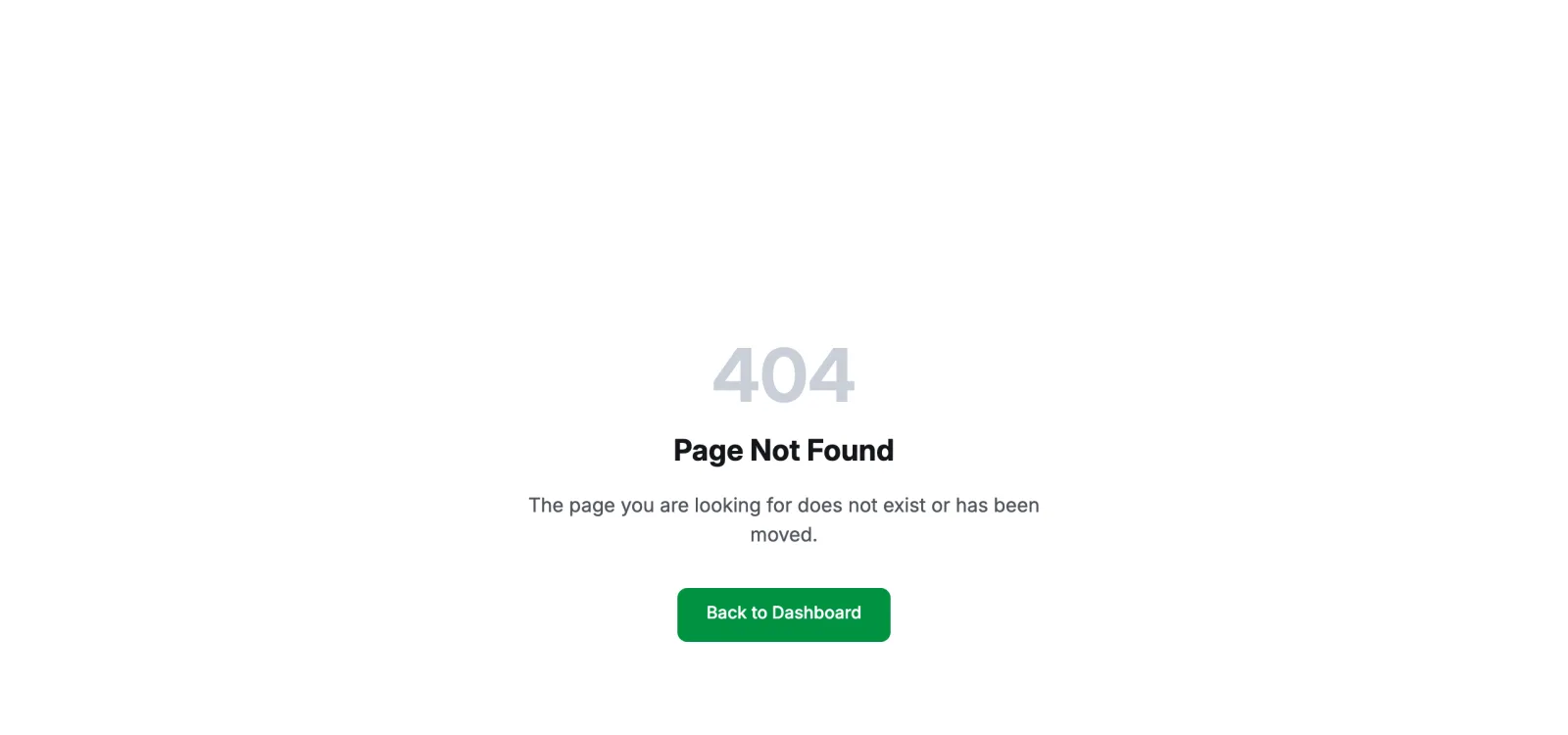
| Page Not Found | The address is wrong or the page moved. | Back to Dashboard. Old /activity/library links redirect on their own. |
| Unable to reach the server. Showing available providers. | Integrations could not read your connections. | Reload. |
| Failed to save, your changes were reverted. | A Settings change did not reach the server. | Try again. |
| Unable to load profile | The profile could not be fetched. | Try again. |
Checks that fix most of it
- The status page. An incident on the status page explains an outage for everyone. Subscribe there for updates.
- Reload once. Most transient failures clear on reload.
- Sign out and back in. A session lasts up to 7 days; an expired one can show as a page that will not load rather than a sign-in prompt. See Cannot sign in if the sign-in itself fails.
- A current browser. Chrome, Edge, Firefox, or Safari from the last year. Private windows work.
- Extensions. A content blocker that strips requests to
vegaloop.comor to Stripe breaks pages and checkout. Allow the site and reload. - Clock and timezone. A device clock that is far off can make sign-in fail. Set it to automatic.
Slow pages
Food search, recipe search, and the training load charts call the server live. On a slow connection they take longer but do complete. Device syncs run on the server and are not affected by your connection.
Still broken
Contact support with the page address, the exact message, the browser and version, and the time.
Last updated on