Cannot sign in
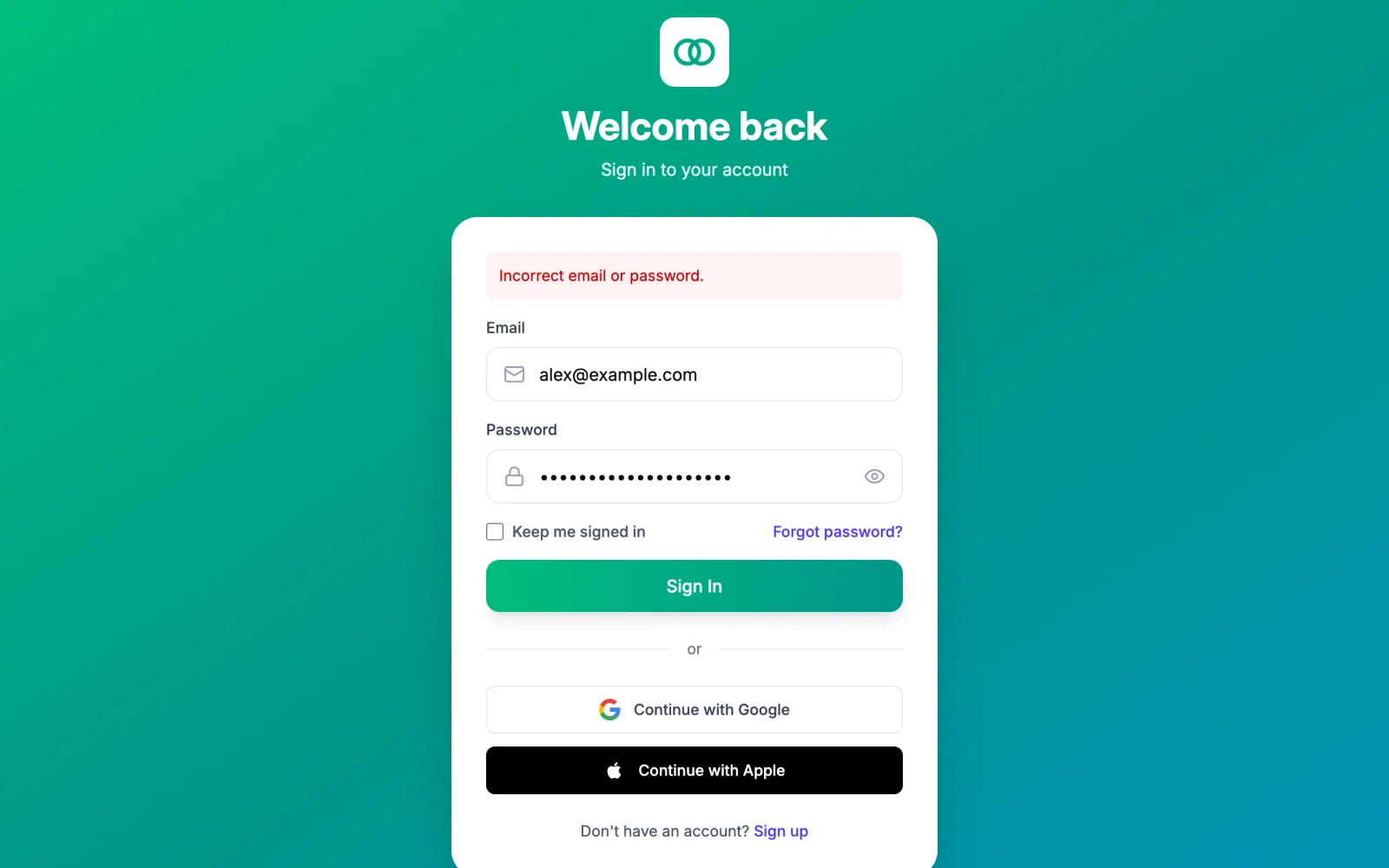
What the sign-in page says
| Message | Meaning | What to do |
|---|---|---|
| Incorrect email or password. | One of the two is wrong. The page does not say which, to protect your privacy. | Check the email you signed up with, then use Forgot password?. |
| Your account is not verified. Please check your email for a verification link. | You never entered the six-digit code after signing up. | Go to the sign-up page, sign up again with the same email, and enter the code the email contains. |
| Too many attempts. Please try again later. | Several wrong passwords in a row. | Wait a few minutes. Use Forgot password? rather than guessing again. |
| Enter a valid email address | The address is malformed. | Check for a typo. |
| Social sign-in could not be completed. | Google or Apple did not finish the hand-back. | Try the button again, or sign in with email and password if you set one. |
Forgot password
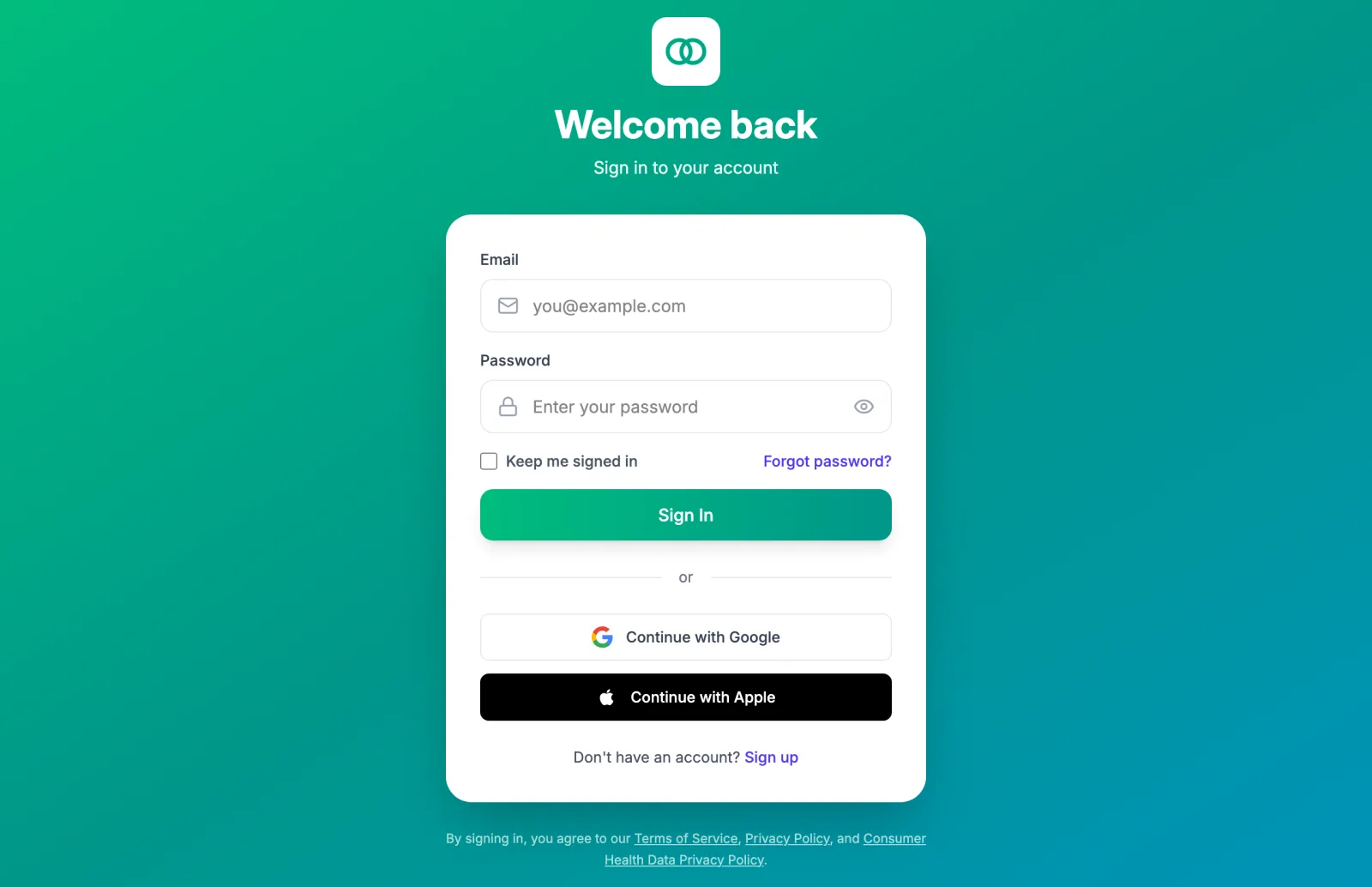
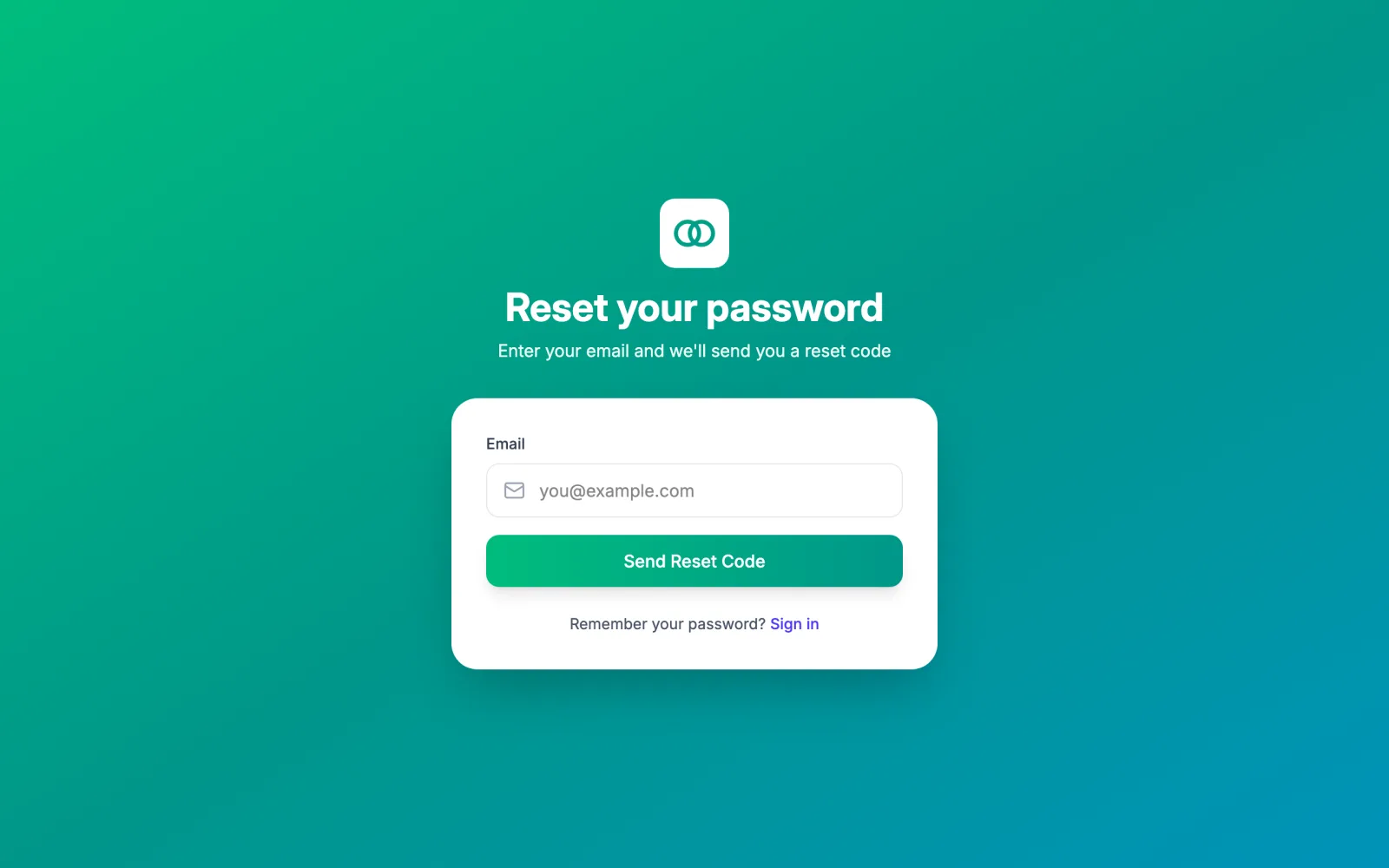
Request a code
Select Forgot password?, enter your email, and select Send Reset Code.
Enter the code and a new password
The email contains a six-digit Reset Code, valid for one hour. Enter it with a new password (8 or more characters with an uppercase letter, a lowercase letter, a number, and a symbol) and select Reset Password. Use a different email goes back a step.
Sign in
The page confirms Password reset successfully. Sign in with your new password. Every other session you had is signed out.
There are a limited number of attempts per hour; if the code is refused, request a new one rather than retrying the old.
The email has not arrived
- Check spam and promotions folders. The messages come from an address ending in
vegaloop.com, with the subject Your VegaLoop verification code for sign-up. - Give it a few minutes, then Resend Code.
- Make sure you typed the email you signed up with. The form does not say whether an address exists.
Verification codes expire after 24 hours and reset codes after one hour, so use the newest email.
Signed up with Google or Apple
Those accounts have no VegaLoop password, so a reset does nothing for them. Use the same Continue with Google or Continue with Apple button every time. If you want a password as well, there is no way to add one from Settings today; contact support.
Google or Apple sign-in failed
The page after the Google or Apple window can read Social sign-in failed a security check, Social sign-in session expired, or Missing authorization code. All three mean the hand-back did not complete; the app retries once on its own for a linked account, and otherwise you select the button again.
I keep being signed out
A session lasts up to 7 days from sign-in. Without Keep me signed in, closing the tab ends it, and Google and Apple sign-ins always end with the tab. Resetting your password signs out every other session on purpose; that is also the way to sign out everywhere, as described in Your account and data.
Still locked out
Contact support from the email on your account.