Workouts missing after connecting a device
First checks
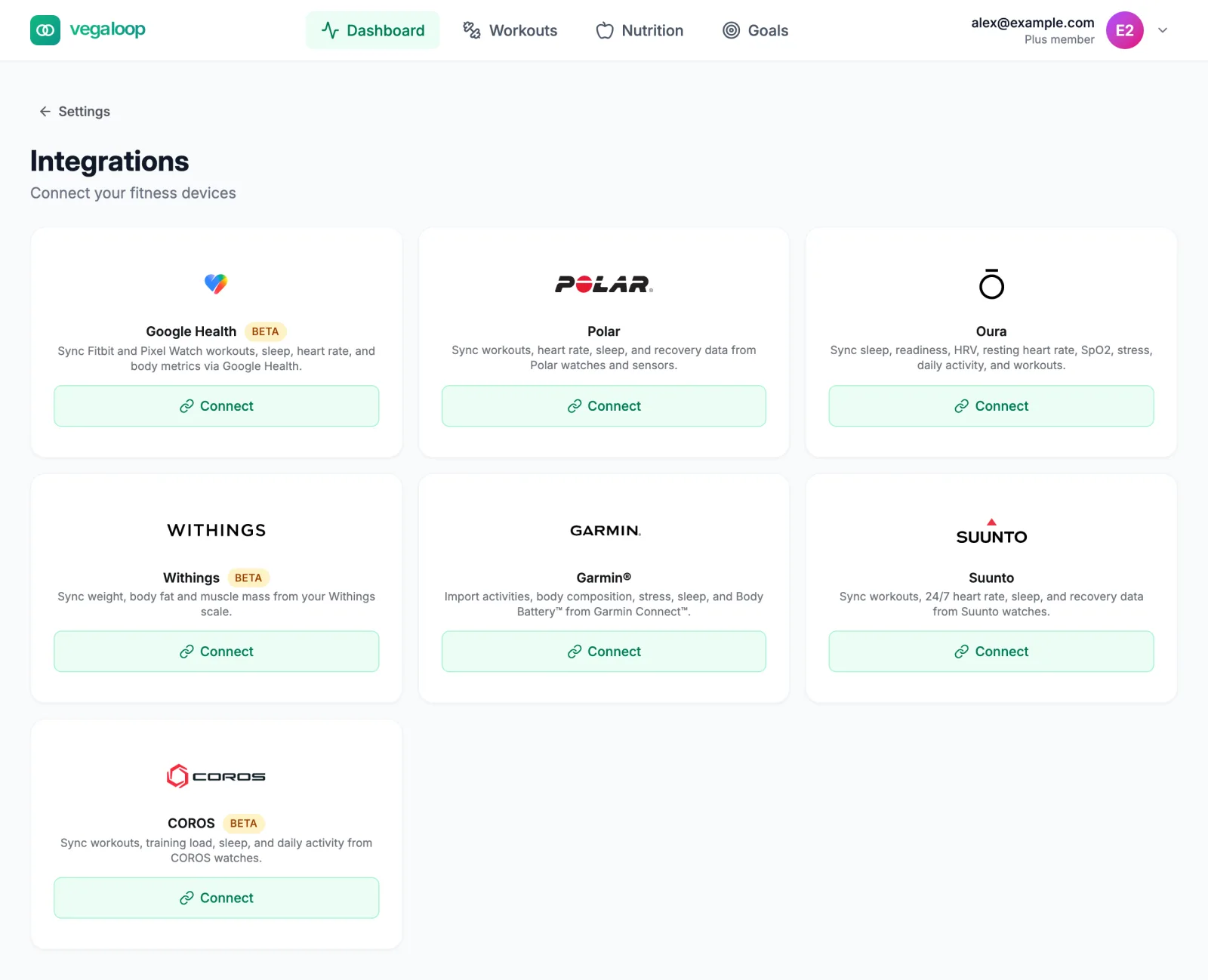
Look at the connection status
Open Settings, then Connect a Device. Token Expired means the provider’s approval ran out; select Disconnect, then Connect, and approve again. Error means the last sync failed; select Manage and then Sync Now. See Cannot connect a device and Supported devices and platforms.
Make sure the watch has uploaded
VegaLoop receives a workout only after the watch has synced to the provider’s own app or cloud. Open the provider’s app and confirm the activity is there first. Oura sleep and readiness reach Oura’s cloud only when you open the Oura app.
Select Sync Now
Sync Now in the Manage panel fetches everything since the last successful sync. For COROS, which VegaLoop polls every 20 minutes rather than receiving pushes, select it once after a new activity.
Read Sync History
The same panel lists the last 10 syncs. A run that ended with The provider is temporarily limiting requests will be retried; wait a few minutes before pressing Sync Now again.
Check the status page
An integrations incident on the status page explains a delay for everyone. Workouts catch up once it is resolved.
Older workouts are missing
The first connection imports about 90 days where the provider allows it. Import History in the Manage panel can fetch 30, 60, 90, or 180 days, or All history (one year). What is imported depends on the provider:
| Provider | History available |
|---|---|
| Polar | None. Only activities from the day you connect onward. There is no Import History button. |
| Garmin | Counted by the date the activity was uploaded to Garmin, not the date you did it. Garmin currently supplies about 31 days; the panel then reads The provider supplied history back to that date. |
| Suunto | A large import arrives over several runs while Suunto limits requests. Allow an hour before checking. |
| COROS | Limited to 50 activity downloads per account per day, so a long history arrives over several days. |
| Oura, Withings, Google Health | As far back as the provider holds. |
Only one import runs at a time; a second request is refused until the first finishes, and a stuck import clears after 15 minutes. Activities older than the provider supplies are not imported. You can log them by hand from Add Workout.
The workout is there but looks different
- No heart rate on an Oura workout. Oura sends type, time, calories, and distance only; this is not a sync fault.
- No heart rate zones on a Garmin workout. Garmin does not send zones to VegaLoop. Duration, distance, heart rate, and laps are there.
- A Garmin workout with no laps or detail. Garmin’s detail feed was not delivered for that activity. Sync Now fetches it if Garmin has it.
- Lap distance of zero. The device recorded no distance samples (an indoor swim or a manually created activity, for example).
- The sport is Other. The provider’s sport name has no VegaLoop equivalent (rowing, skiing, racket sports). The workout and its load still count.
- It merged with a manual entry. See Duplicate or merged workouts.
Weigh-ins missing from a Withings scale
The scale assigns each weigh-in to a household member. Weigh-ins it attributed to someone else are skipped; reassign them in the Withings app and they are not re-sent, so record the value by hand. An edit to an old reading in the Withings app is not synced either. Withings accounts created after 12 October 2026 need a Withings+ membership to share data with third-party apps; without it sharing pauses until the membership is active.
Still missing
Contact support with the provider, the date and time of the workout, whether it appears in the provider’s own app, and what Sync History shows for that day.