Set goals that track themselves
Every goal starts from a template in the Goals Marketplace, and each template fixes what it measures and how. The main distinction is whether VegaLoop can measure it from what you log.
Automatic or manual
- Automatic goals are measured from what you log and sync: workouts per week, distance, duration, calories burned, weekly load, fitness, pace, power, calories or macros eaten, water from the Hydration tile, weight, body fat, muscle mass, resting heart rate. Progress updates on its own, within moments of the entry.
- Manual goals are for things VegaLoop cannot measure (a push-up count, a meditation habit). You record progress yourself with Record progress on the dashboard card or in the goal.
Prefer automatic goals, since a manual goal is only as current as your last entry. If you want a manual template, record progress from the dashboard card at the same time as another entry you make there.
Nutrition goals count days
A protein, calorie, carb, or fat goal counts days: a day counts only if your intake met the threshold. A day with no meals logged is skipped rather than failed: it does not break the goal and does not count toward it. Log the day’s meals and it counts.
Reading progress
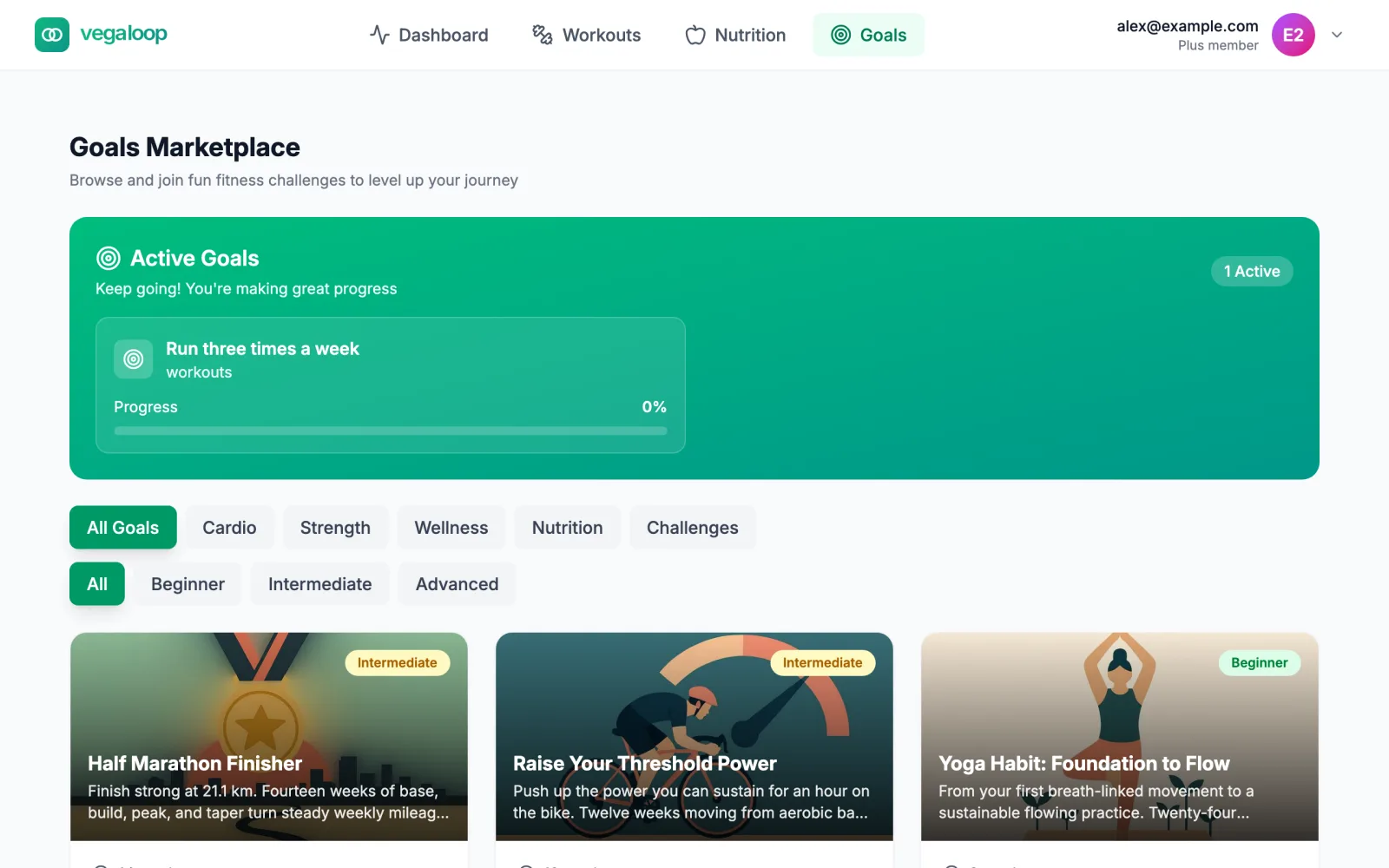
Each active goal shows a percentage toward its target and Days Remaining. Compare the two: a goal at 30 percent with half the days gone needs more per day from here than it has had so far. The dashboard’s Daily Goal Progress card shows the same numbers for up to four goals.
Leave it running rather than cancel
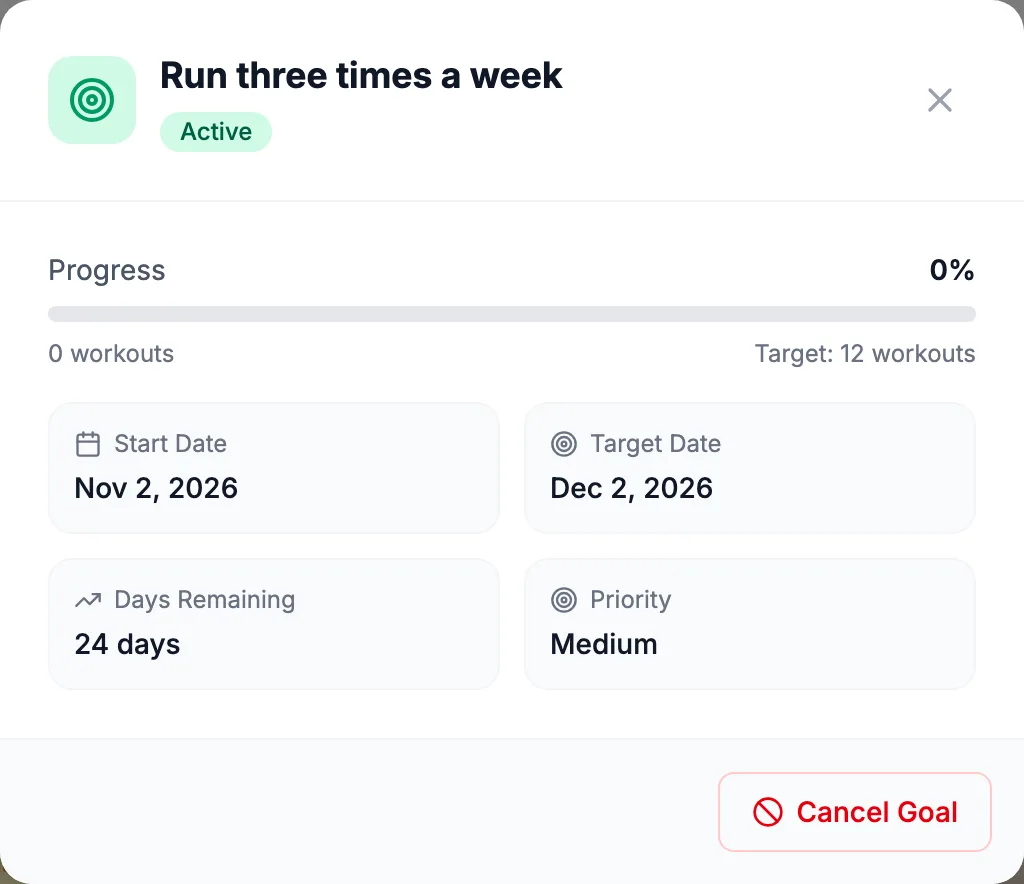
A goal is Active until it is Completed, its date passes, or you cancel it. There is no pause. Cancel Goal acts immediately, with no confirmation, removes the future sessions and meals the goal scheduled, and cannot be undone. If you cannot keep up for a while, leave the goal running: a slow week removes no progress, and a completed goal can be restarted with its dates and progress reset. Cancelled and failed goals leave your account after 90 days; completed ones stay.
How many at once
Two or three active goals is plenty, and one is enough to start. Free accounts have one active goal; Plus removes the limit. Pick one automatic goal that matches your current block (sessions per week during a base phase, a distance goal before a race) and let the rest of the app report on it. See Goals and challenges for the full marketplace.