Plan sessions that complete themselves
Sessions on the calendar come from programs in the workout library, from goals, or from ones you schedule yourself on a day. You do not have to tick them off.
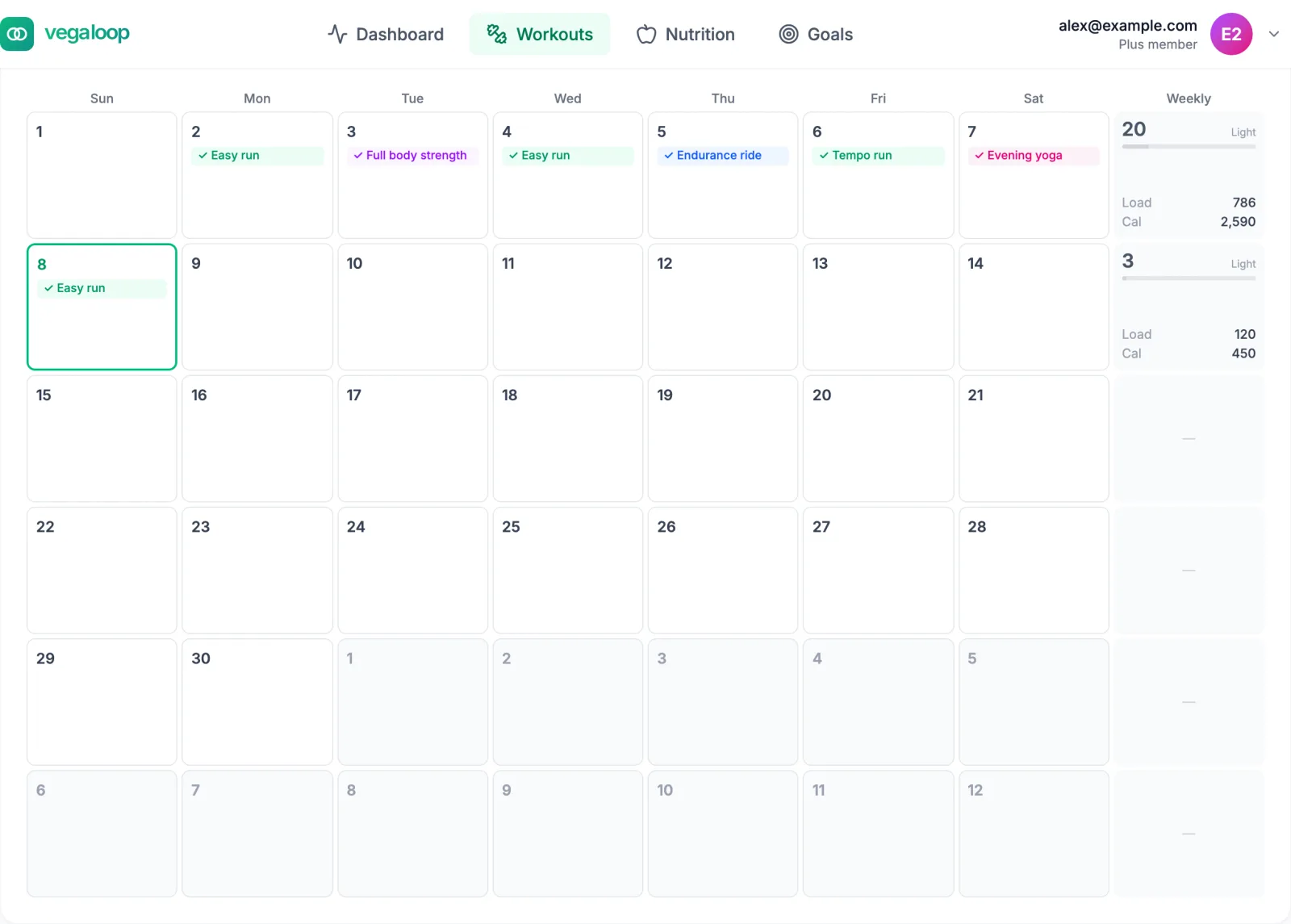
Automatic completion
A planned session is marked Done when a synced or logged workout matches it:
- same day and same activity type,
- starting within 2 hours of the planned time,
- with a duration within 50 percent of the plan.
Running 40 minutes against a planned 45-minute run completes it. A 20-minute run against the same plan does not, and stays on the calendar. When several sessions could match, the closest one is chosen.
Getting the match right
- Set the planned time close to when you actually train. A session planned for 7 am will not match an evening workout.
- Choose the same activity type the watch records. A treadmill session the watch calls a run matches a planned run; a sport the watch reports under a name VegaLoop maps to Other does not.
- Plan the duration you will actually do. A 90-minute plan you usually cut to 40 will never match.
- If a match is wrong or missing, open the session and use Mark Complete or Log with Details, or link the workout from its detail page. See A planned session was not marked complete.
On your watch
With Garmin or Suunto connected and workout push on, planned sessions are sent to the watch, so the session you start on the wrist is the one on the calendar. Check the Workout push line in the provider’s Manage panel.
Weather on the plan
With a US ZIP code on your profile, the calendar shows the forecast for the next 7 days, from the National Weather Service. Use it to decide whether to move an outdoor session to another day.
Changing the plan
Move a session by dragging it to another day on a laptop, or open it and change its date. Mark the sessions that matter as This is a race; a race is never moved or eased by a suggestion. If you missed several sessions, move the ones you still want forward and leave the rest; on Plus, a suggestion offers to do this for you. See Let a missed session go.