Import and share recipes
Both features live on the Recipes tab under Nutrition. Importing is rolling out gradually: until your account has it, the Import from link and Browser extension buttons are not shown at all, and the import page, if you open it by its address, says it is not available on your account yet. Sharing is open to everyone for recipes they wrote themselves. The messages each step can show are in Recipe import or sharing failed, and the recipe library itself in Recipes and meal plans.
Import from link
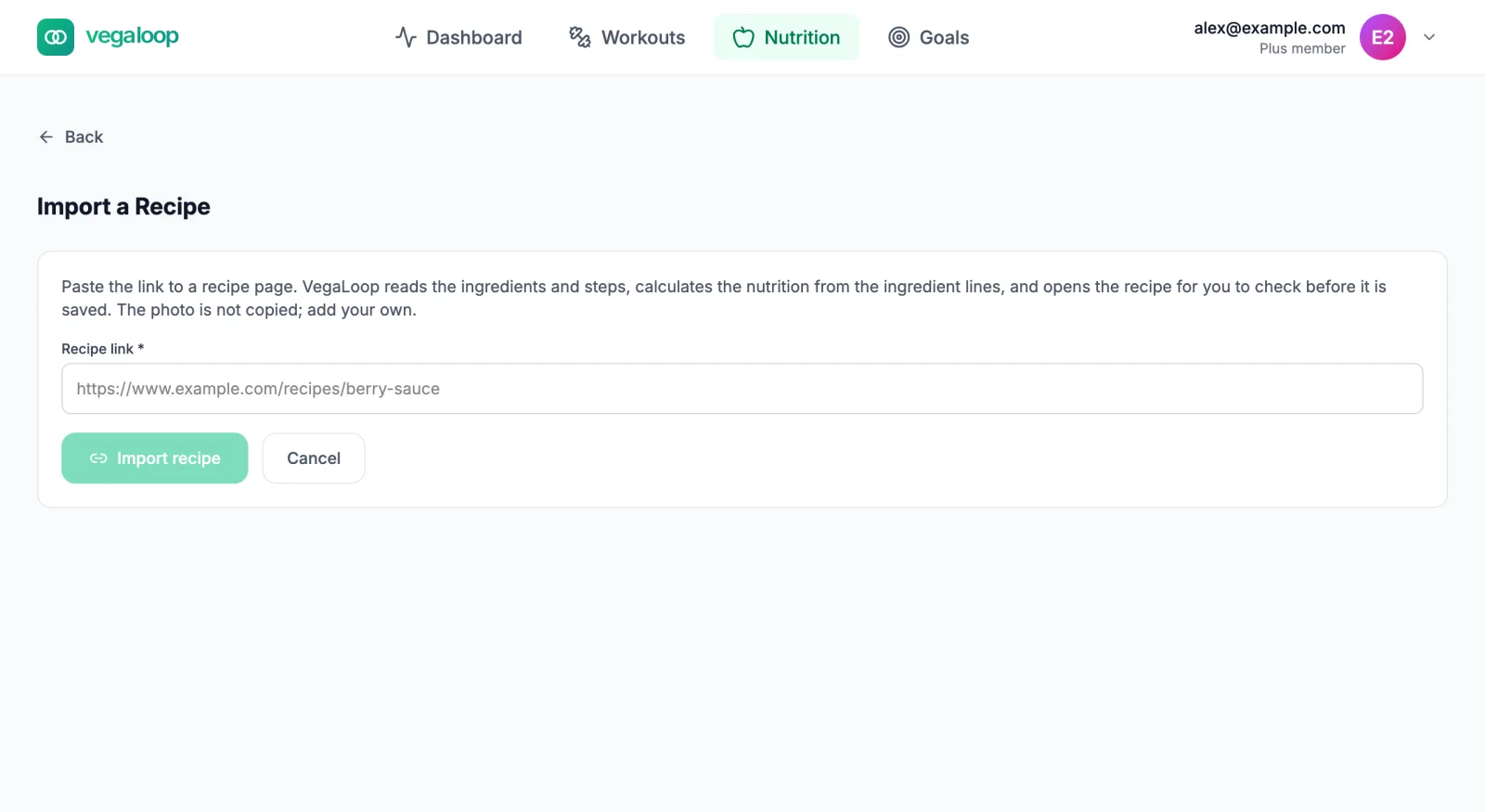
Paste the address
Select Import from link on the Recipes tab (or go to app.vegaloop.com/nutrition/recipes/import), paste the recipe page’s address into Recipe link, and select Import recipe. The button reads Reading the page while VegaLoop fetches it.
Review the draft
The recipe opens as a draft for you to check: title, servings, ingredients, and steps as found on the page. Nothing is saved until you save the draft. If the page did not state a yield, the draft assumes 4 servings; correct it so the nutrition per serving is right.
Add your own photo
The page’s photo is never copied. Upload your own (JPEG, PNG, or WebP, up to 10 MB) or leave it without one.
If you import the same page twice, VegaLoop says You already saved a recipe from this page and offers Open my recipe or Import again anyway.
What it can and cannot read
VegaLoop reads only public web pages, and reads them without running scripts or signing in. The messages it can show:
| Message | Meaning |
|---|---|
| No recipe was found on that page | The page has no recipe VegaLoop could recognise. Try the recipe’s own page rather than a list or a search result. |
| That is not a web address | Check the link; it needs to start with http:// or https://. |
| That address cannot be imported. Only public websites can be read. | Private, local, or sign-in-only addresses are refused. |
| That link is not a web page | The link points at a file (a PDF or an image, for example). |
| That page is too large to import | The page exceeds the size VegaLoop will read. |
| The site could not be reached | The site is down, slow, or blocking automated readers. Try later. |
| Importing recipes is not available on your account yet | The feature is rolling out gradually. Nothing to fix on your side. |
Browser extension
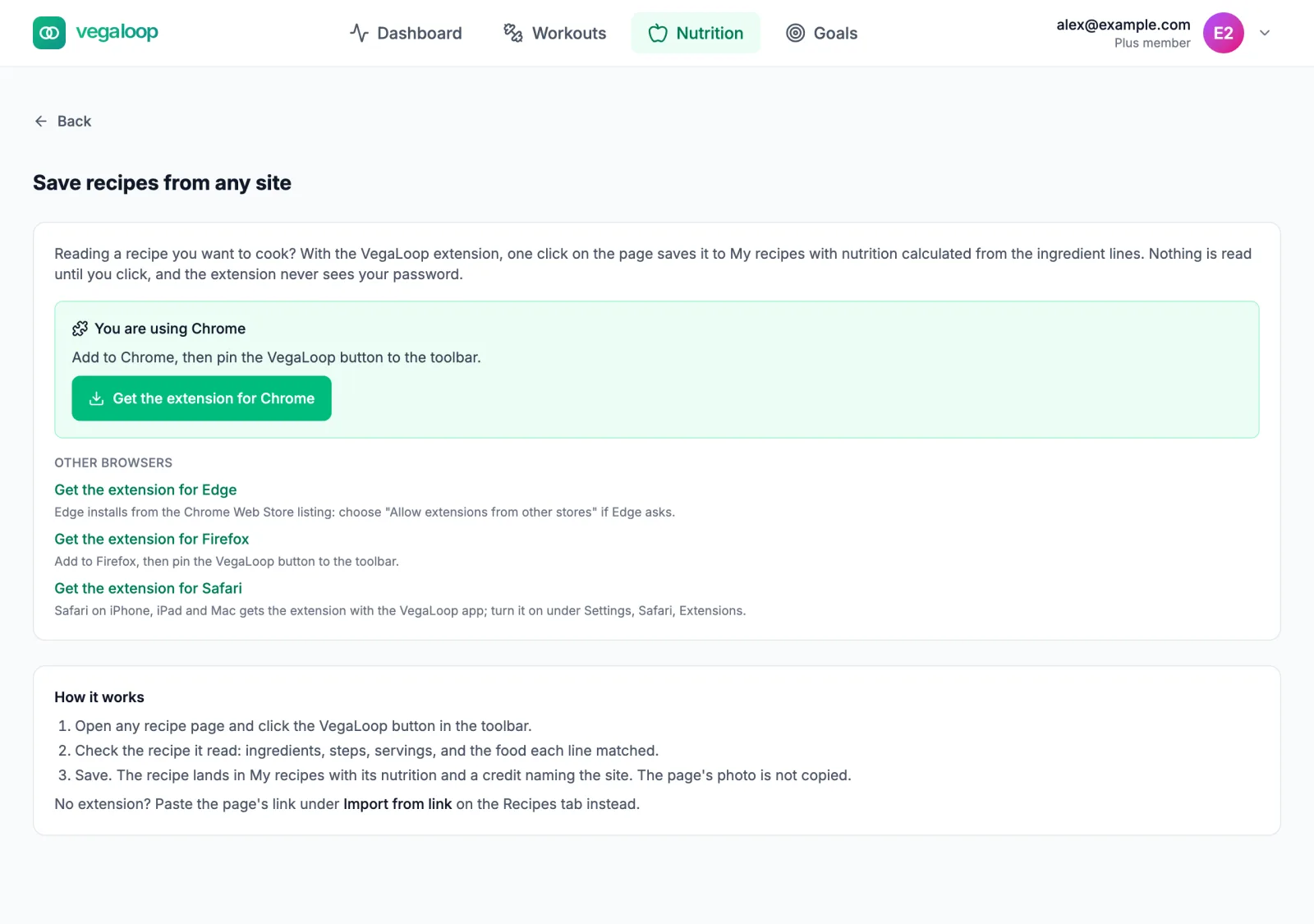
Browser extension on the Recipes tab opens Save recipes from any site, which lists Chrome, Edge, Firefox, and Safari with a note for each. The extension is in early access: the store listings are not published yet, so the page’s links go to the release files rather than a store, and the Safari version will ship inside the VegaLoop app rather than from a store. Once installed, the extension reads the page you are looking at and shows the recipe in its popup for you to save, with nutrition per serving. The same gradual rollout applies. People in the early-access group are sent the full install and usage guide by link.
Share a recipe
Open one of your own recipes and select Share. Sharing creates a link anyone can open, signed in or not; you can stop sharing at any time. Once shared, the recipe shows Anyone with this link can see this recipe with Copy link and Stop sharing.
Stop sharing disables the link for everyone who has it; sharing again creates a new link. Anyone who opens the old link sees This recipe is no longer shared.
Not yet yours to share
An imported recipe can be shared only once you have made it your own, and the button explains why with Not yet yours to share and the conditions still unmet. The rules:
- the steps and headnote must be substantially rewritten, no more than about a third similar to the source;
- the title may keep at most half of the original title’s words;
- any photo must be your own upload.
If a later edit moves the recipe back toward its source, sharing is turned off and the recipe says so: Sharing was turned off: after this edit the recipe reads too much like the page it came from. Its link no longer works. Make it your own again to share it.
Recipes you wrote from scratch have no such conditions.