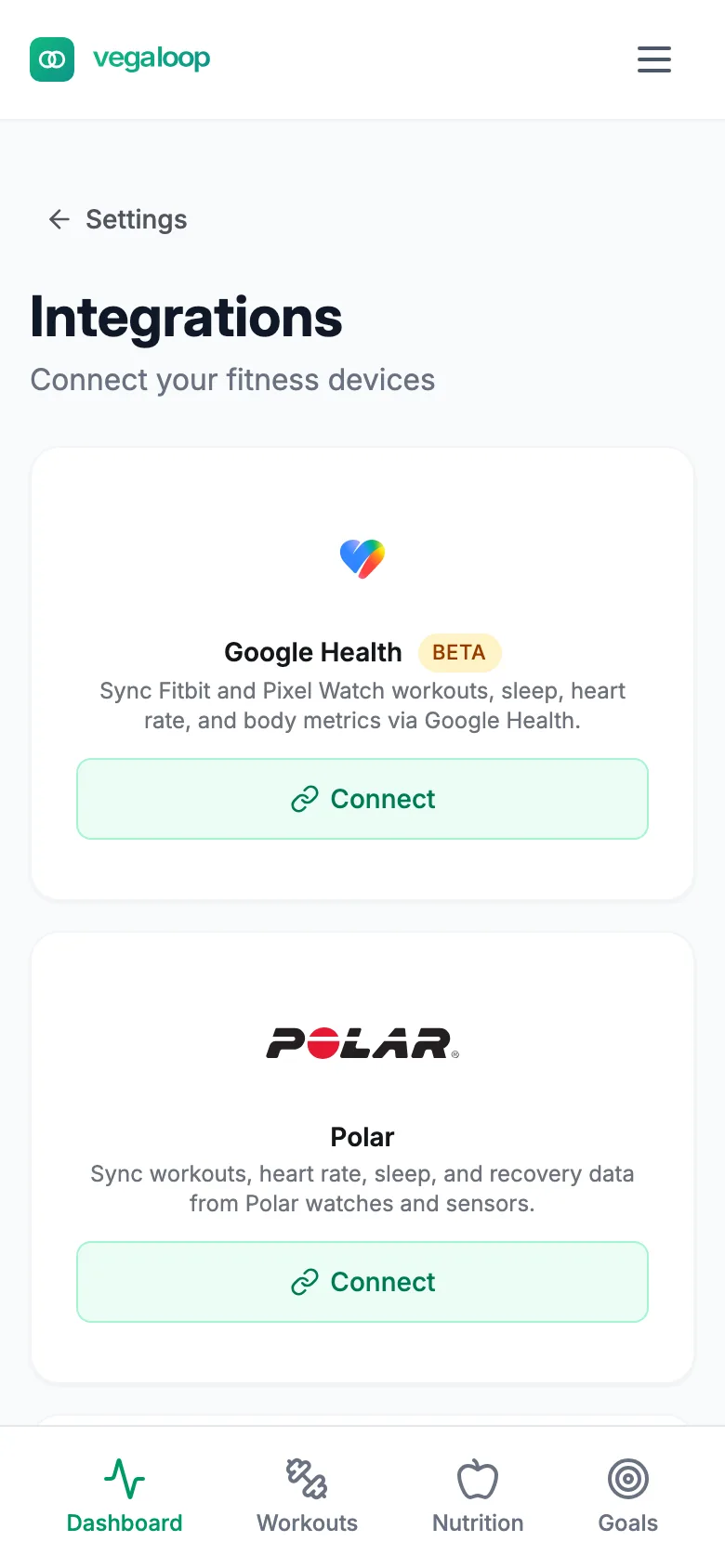
Connect your devices
Connected devices and services send workouts, sleep, heart rate, and body measurements to VegaLoop automatically. Connecting is free on every plan.
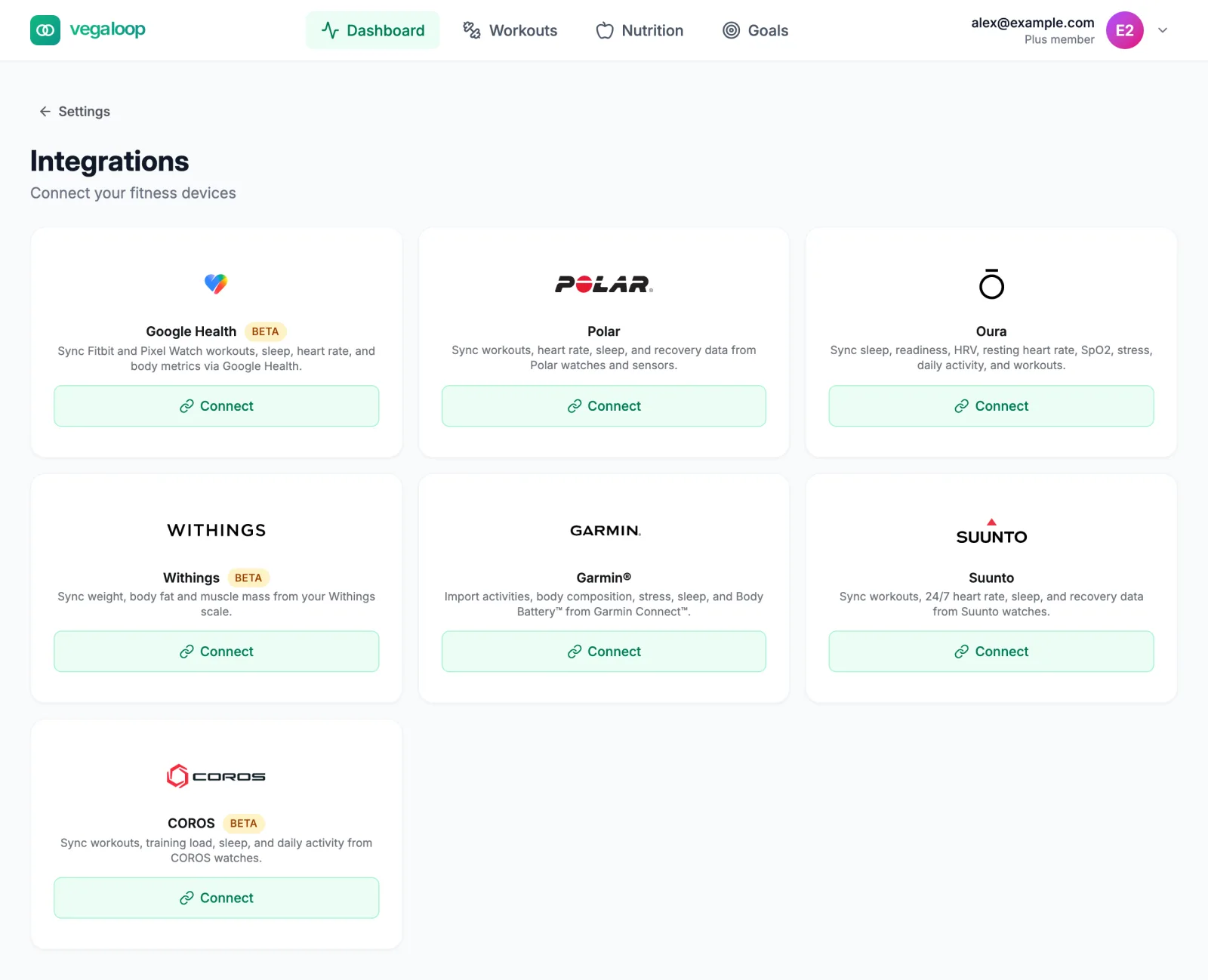
Connect a service
Open Integrations
Open Settings, then Connect a Device under Connected Devices, or go to app.vegaloop.com/settings/integrations. The dashboard quick actions also have a Connect a device link.
Select Connect and approve access
You are sent to the provider’s own sign-in page to approve what VegaLoop may read. VegaLoop never sees your provider password. Google Health shows a short data-use notice first; only Continue proceeds.
Return to VegaLoop
The callback page reads Successfully Connected. Your account has been linked. New workouts will sync automatically. If it reads Authorization Failed, Connection Failed, or Set up Google Health first, see Cannot connect a device.
Wait for the first import
VegaLoop imports your recent history (90 days by default, where the provider allows it) and then keeps up with new data as the provider sends it.
What each connection brings
| Service | What syncs | Notes |
|---|---|---|
| Polar | Workouts, heart rate, sleep, resting heart rate, recovery | Data from the day you connect onward. There is no history import. |
| Garmin | Activities with per-second detail, daily steps and calories, sleep stages and score, body composition | History import counts by the date you uploaded to Garmin, and Garmin currently supplies about 31 days. Garmin asks you to re-approve about every 3 months. Scheduled sessions can be pushed to the watch. |
| Suunto | Workouts with laps and streams, 24/7 heart rate, sleep, daily activity, recovery | Scheduled sessions are sent to the watch as guides. A large history import may arrive over several runs while Suunto limits requests. |
| Google Health (beta) | Fitbit and Pixel Watch workouts with heart rate, sleep stages, resting heart rate, HRV, blood oxygen, breathing rate, weight and body fat | Sign in to the Google Health app on your phone with the Google account first. Older Fitbit connections do not carry over. Early access: the card may show Request access. |
| COROS (beta) | Activities with laps and streams, daily steps, calories, exercise minutes, stress, resting heart rate, sleep, HRV, recovery | VegaLoop checks COROS every 20 minutes rather than receiving pushes. COROS allows 50 activity downloads per account per day. |
| Oura | Sleep stages and score, readiness signals, HRV, resting heart rate, blood oxygen, breathing rate, temperature deviation, stress, daily activity, workouts | Sleep and readiness reach Oura’s cloud only when you open the Oura app; activity syncs in the background. Oura workouts arrive without heart rate. |
| Withings (beta) | Weight, body fat, and muscle mass from a Withings scale | One record per weigh-in, usually within 2 minutes. Weigh-ins the scale assigns to another household member are skipped. Early access: the card may show Request access. |
Workouts recorded on an Apple Watch, a Samsung watch, Whoop, or Strava have no connection today; see Supported devices and platforms.
Beta and early access
A Beta tag means the connection is open but has had less real-world use. Some beta providers are also in early access: the card shows Request access and the line Limited beta. Spaces are limited. The request asks for the email of your account with that provider and goes to the support team, who add people by hand. Afterwards the card reads Request sent and Spaces are limited. We will be in touch if one opens up. A card that reads Coming Soon is not open to anyone yet.
Connection status
Each card carries a status chip, and Settings summarises the same connections under Connected Devices.
| On the card | In Settings | Meaning | What to do |
|---|---|---|---|
| Connected | Healthy | Working. | Nothing. |
| Token Expired | Token expiring | The provider’s approval ran out and could not be renewed. | The card still offers Manage and Disconnect, not Connect. Select Disconnect, then Connect and approve again; or open Manage, where a Reconnect button appears in the workout push notice for Garmin and Suunto. If a later renewal succeeds on its own the status returns to Connected. |
| Error | Error | The last sync failed for another reason. | Select Sync Now. VegaLoop also retries on the next sync. |
| Disconnected | Disconnected | Nothing linked, or you disconnected. | Connect when you want it back. |
The card shows how long ago the last sync ran; Settings reads Never synced for a connection that has not synced yet, and the Manage panel shows the full Last synced time.
Manage: Sync Now, Import History, Sync History

Manage on a connected card opens the panel for that provider.
- Sync Now fetches everything since the last successful sync. It reads Syncing… while it runs. Use it when a workout you just finished has not appeared, and always after connecting COROS.
- Import History fetches older data: 30, 60, 90, or 180 days, or All history, which reaches back a year. It appears only for providers that supply history, so not for Polar. Only one import can run at a time; a second request is refused with An import is already running. Import History is available again when it finishes., and a stuck import clears itself after 15 minutes.
- Sync History lists the last 10 syncs, which is the first place to look when something seems missing. Each row shows what started it (Manual, Scheduled, Webhook, or Backfill), its outcome (Completed, Partial, Failed, or In Progress), and how many records were created, updated, and skipped. Partial means some records failed; Skipped usually means duplicates of data already held.
- A running import shows its progress every few seconds. Import stopped at (date). N records imported so far with a Resume import button means the provider cut it short; resume continues from that date. This import cannot be resumed. Start a new import instead means the stopped import is too old to continue.
- Workout push (Garmin and Suunto) says whether scheduled sessions are being sent to your watch. Workout push is off means the watch permission was not granted; reconnect and allow it. Other providers read Workout push is not supported by this provider.
When a provider is limiting requests the panel reads The provider is temporarily limiting requests. Please try again in a few minutes.
Duplicates
VegaLoop removes duplicates:
- A workout you logged by hand and a device workout of the same type starting within 5 minutes of each other are merged. The device version wins; your notes are kept on it, marked as a manual note.
- The same provider activity is never imported twice, however many times it syncs.
- Two workouts of the same type starting within 10 minutes with durations within 20 percent of each other are treated as one.
See Duplicate or merged workouts.
Disconnecting
Disconnect on the card asks you to confirm: Your existing data will not be deleted, but automatic syncing will stop. You can reconnect at any time. Workouts, sleep, and measurements that already synced stay in your account. VegaLoop also revokes its access with the provider where the provider supports that. To remove synced data as well, see Your account and data.